 GREATEST
How to Prep Your Design for Print So It Comes Out Sharp and Clean
Tips for preparing your design file before printing it on a T-shirt: resolution, transparent background, colors, text size, and the things we can't print.
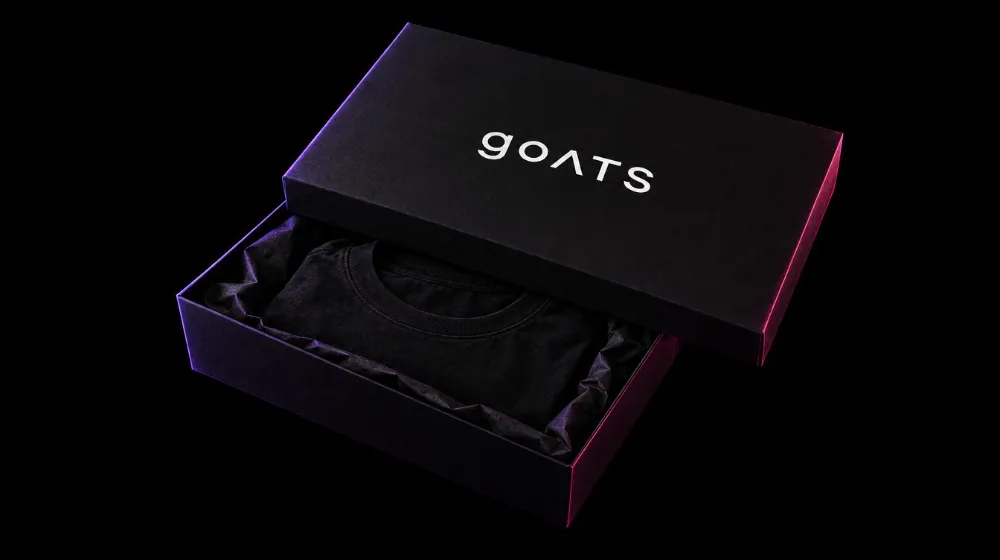
A great print starts with a great file. Here are the most important tips to make sure your design comes out on the tee exactly the way you see it on screen:
1. Resolution: the higher, the better
Ideally, use an image that's 2000 pixels wide or more. Small images, or screenshots grabbed off the internet, come out pixelated. Our studio will warn you if your image resolution is too low.
2. Transparent background (PNG)
If your logo sits on a white background, that white box will get printed on your black tee! Upload a PNG with a transparent background, or tap “Remove background” in the studio if the background is a single solid color.
3. Contrast
Dark text on a black tee won't show up. On black, use light colors; on white, use dark colors.
4. Text size
Very small text (like super-fine details) might not show up. Keep the important words big and clear, and stay away from ultra-thin fonts.
5. Check your spelling
Review every letter — especially names and Arabic text. We send you the mockup on WhatsApp before printing, but your own eye matters most.
6. What we don't print
Club logos, global brand logos, and characters owned by companies (anime, cartoons…) are protected by copyright — we only print original designs. If you need an idea, our designer will create one for you. From 6 pieces, the design is free.
🔥 Trending now


Design in minutes and order from just one piece — delivery to most governorates in Egypt in 3–5 working days.